Ship an MCP App in minutes!

Wrap your APIs. Render your components.
One button publishes to Claude, ChatGPT, and every MCP host — or embeds as an AI assistant inside your own app.


Try the Demo


Start Free

Watch 1 min demo


Your design system.
In the conversation.

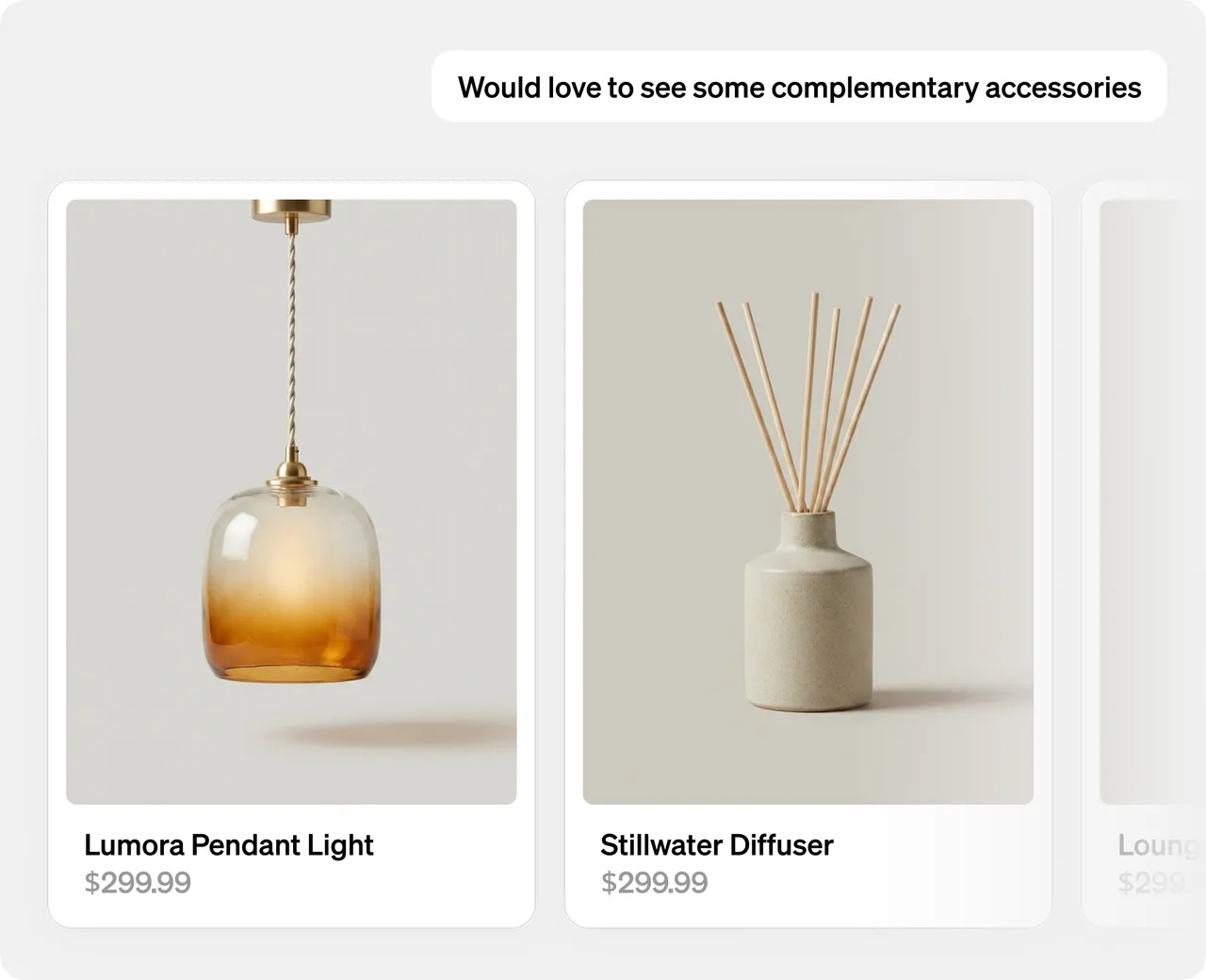
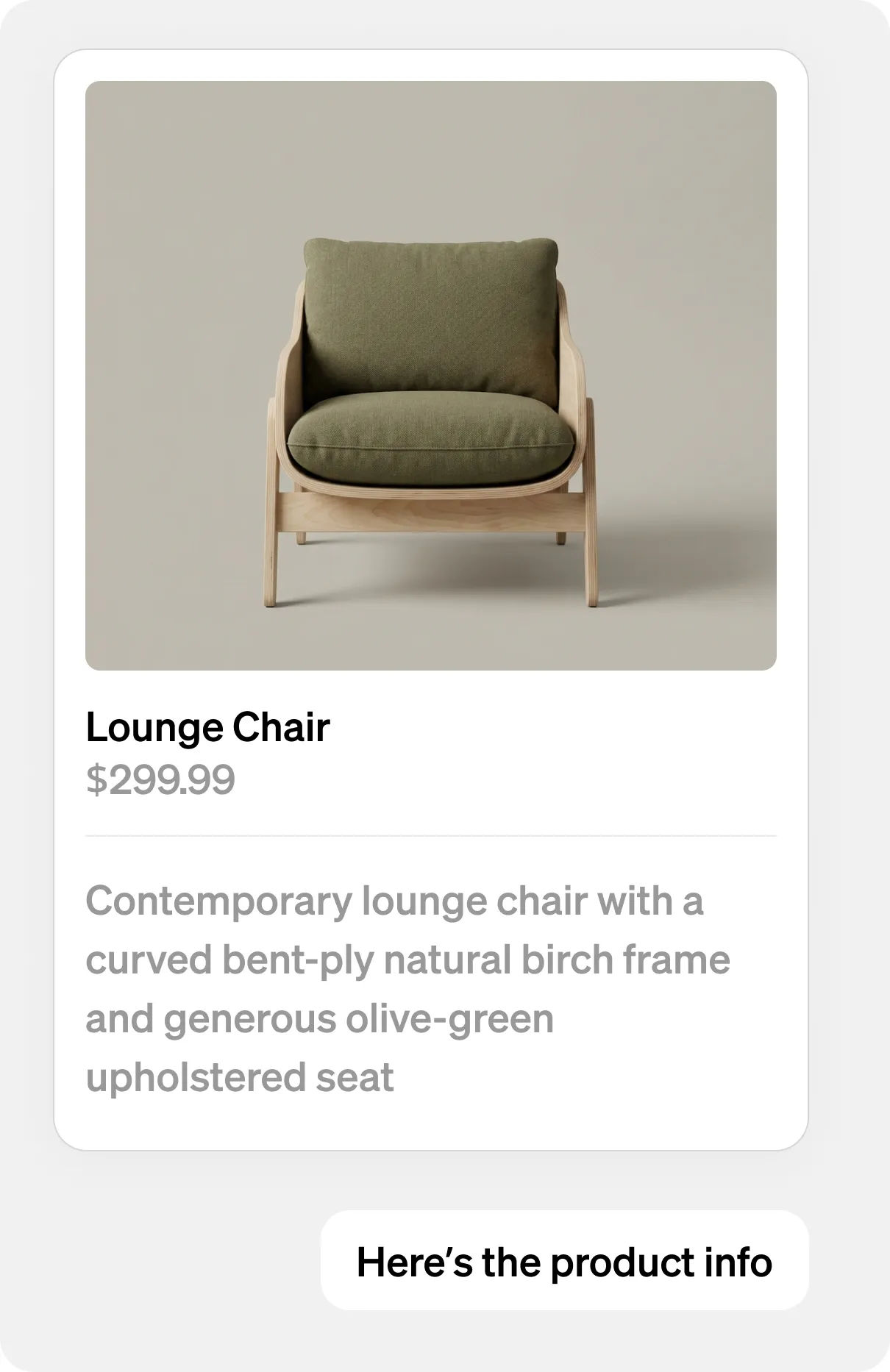
Rendered components, not chat text. Schema-validated on every render. Your components, your interactions, your visual language — in any MCP host.

Wrap your APIs. Securely.

Data Tools proxy any REST or GraphQL endpoint. V8 sandbox. Secrets injected per tool. Outbound HTTP restricted. No credential sprawl.

View Docs


Write once. Native everywhere.

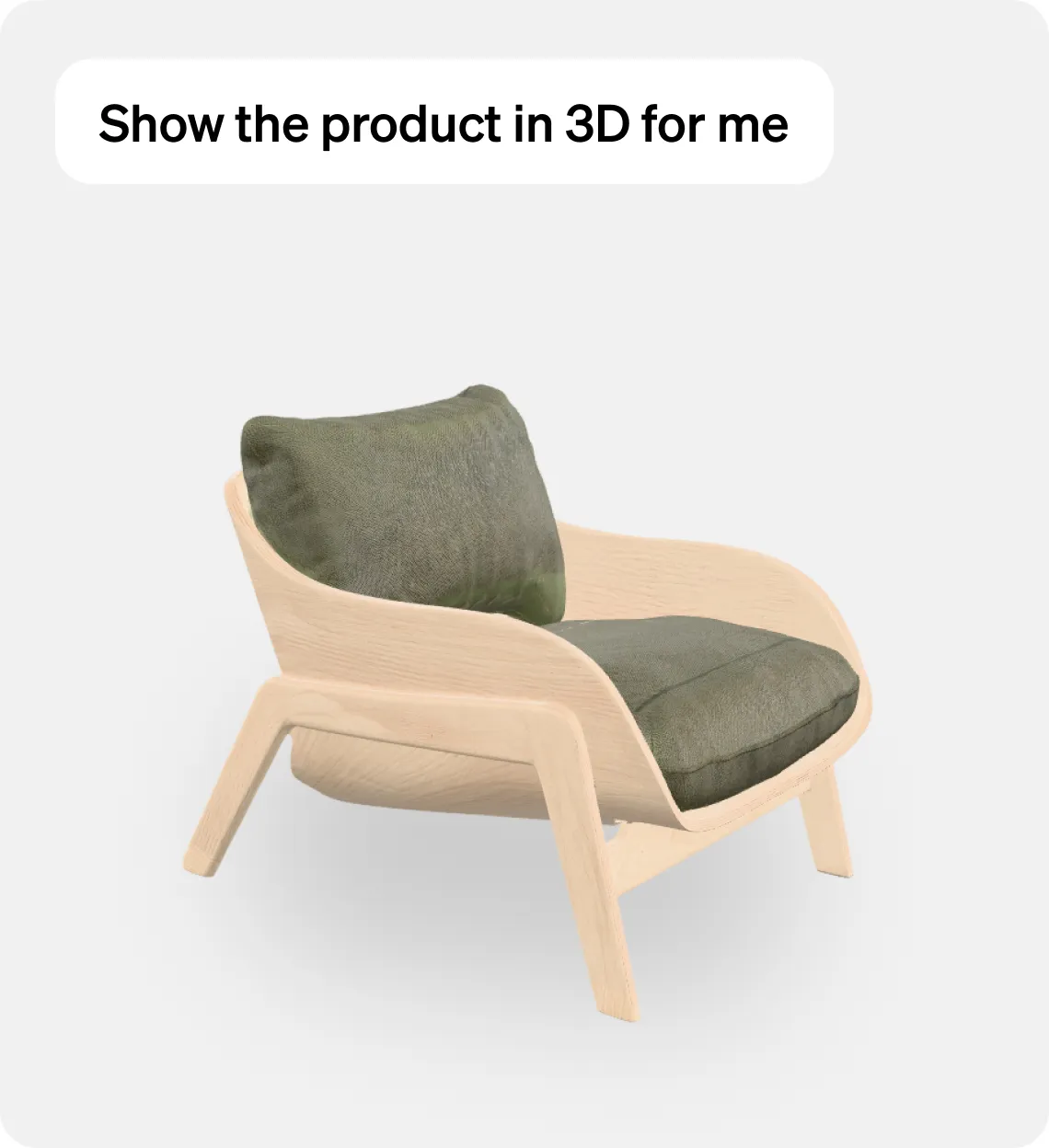
SwiftUI on iOS. Jetpack Compose on Android. React on web. From a single BindJS definition. True native rendering — not web views. 60 FPS on every platform.


MCP App Studio.

Build BindJS components visually or in code. Preview as native SwiftUI on iOS via App Clip, native Android, or web. Sample apps to clone.

MCP Tools

Components

Assets

Visual builder

See it native before you ship it. Build components in a visual canvas or drop straight into code.

Real-device previews

Preview as real SwiftUI on iOS via App Clip, native Android, or web — no simulator, no guesswork.

One-button publish

Press publish — Metabind generates a compliant MCP server and pushes it live.

Assistant SDK. AI inside your own app.

Drop-in embed for iOS, Android, and web. Your MCP App runs as a native AI assistant inside your own application. Same tools. Same governance. Same brand.

Designed for Agents

Connect Claude Code to your Metabind workspace via the CLI. Author components, manage MCP servers, and publish tools without leaving your terminal.

$


b

r

e

w


i

n

s

t

a

l

l


y

a

p

s

t

u

d

i

o

s

/

t

a

p

/

m

e

t

a

b

i

n

d

$


b

r

e

w


i

n

s

t

a

l

l


y

a

p

s

t

u

d

i

o

s

/

t

a

p

/

m

e

t

a

b

i

n

d


Common Questions

How is this different from building my own MCP server?

What's the free tier?

Can I use my own components?

Do I have to use native mobile?

Can I connect my own APIs?


Ship an MCP App.
Not another prototype.

No credit card. No sales call. No server to manage.


Try the Demo


Start Free

Product

Platform

BindJS Playground

Demo

Resources

Docs

Support

Contact

Ship an MCP App in minutes!

Wrap your APIs. Render your components.
One button publishes to Claude, ChatGPT, and every MCP host — or embeds as an AI assistant inside your own app.


Try the Demo


Start Free

Watch 1 min demo


Your design system.
In the conversation.

Rendered components, not chat text. Schema-validated on every render. Your components, your interactions, your visual language — in any MCP host.

Wrap your APIs. Securely.

Data Tools proxy any REST or GraphQL endpoint. V8 sandbox. Secrets injected per tool. Outbound HTTP restricted. No credential sprawl.

View Docs


Write once. Native everywhere.

SwiftUI on iOS. Jetpack Compose on Android. React on web. From a single BindJS definition. True native rendering — not web views. 60 FPS on every platform.


MCP App Studio.

Build BindJS components visually or in code. Preview as native SwiftUI on iOS via App Clip, native Android, or web. Sample apps to clone.

MCP Tools

Components

Assets

Visual builder

See it native before you ship it. Build components in a visual canvas or drop straight into code.

Real-device previews

Preview as real SwiftUI on iOS via App Clip, native Android, or web — no simulator, no guesswork.

One-button publish

Press publish — Metabind generates a compliant MCP server and pushes it live.

Assistant SDK. AI inside your own app.

Drop-in embed for iOS, Android, and web. Your MCP App runs as a native AI assistant inside your own application. Same tools. Same governance. Same brand.

Designed for Agents

Connect Claude Code to your Metabind workspace via the CLI. Author components, manage MCP servers, and publish tools without leaving your terminal.

$


b

r

e

w


i

n

s

t

a

l

l


y

a

p

s

t

u

d

i

o

s

/

t

a

p

/

m

e

t

a

b

i

n

d

$


b

r

e

w


i

n

s

t

a

l

l


y

a

p

s

t

u

d

i

o

s

/

t

a

p

/

m

e

t

a

b

i

n

d


Common Questions

How is this different from building my own MCP server?

What's the free tier?

Can I use my own components?

Do I have to use native mobile?

Can I connect my own APIs?


Ship an MCP App.
Not another prototype.

No credit card. No sales call. No server to manage.


Try the Demo


Start Free

Product

Platform

BindJS Playground

Demo

Resources

Docs

Support

Contact

Ship an MCP App in minutes!

Wrap your APIs. Render your components.
One button publishes to Claude, ChatGPT, and every MCP host — or embeds as an AI assistant inside your own app.


Try the Demo


Start Free

Watch 1 min demo


Your design system.
In the conversation.

Rendered components, not chat text. Schema-validated on every render. Your components, your interactions, your visual language — in any MCP host.

Wrap your APIs. Securely.

Data Tools proxy any REST or GraphQL endpoint. V8 sandbox. Secrets injected per tool. Outbound HTTP restricted. No credential sprawl.

View Docs


Write once. Native everywhere.

SwiftUI on iOS. Jetpack Compose on Android. React on web. From a single BindJS definition. True native rendering — not web views. 60 FPS on every platform.


MCP App Studio.

Build BindJS components visually or in code. Preview as native SwiftUI on iOS via App Clip, native Android, or web. Sample apps to clone.

MCP Tools

Components

Assets

Visual builder

See it native before you ship it. Build components in a visual canvas or drop straight into code.

Real-device previews

Preview as real SwiftUI on iOS via App Clip, native Android, or web — no simulator, no guesswork.

One-button publish

Press publish — Metabind generates a compliant MCP server and pushes it live.

Assistant SDK. AI inside your own app.

Drop-in embed for iOS, Android, and web. Your MCP App runs as a native AI assistant inside your own application. Same tools. Same governance. Same brand.

Designed for Agents

Connect Claude Code to your Metabind workspace via the CLI. Author components, manage MCP servers, and publish tools without leaving your terminal.

$


b

r

e

w


i

n

s

t

a

l

l


y

a

p

s

t

u

d

i

o

s

/

t

a

p

/

m

e

t

a

b

i

n

d

$


b

r

e

w


i

n

s

t

a

l

l


y

a

p

s

t

u

d

i

o

s

/

t

a

p

/

m

e

t

a

b

i

n

d


Common Questions

How is this different from building my own MCP server?

What's the free tier?

Can I use my own components?

Do I have to use native mobile?

Can I connect my own APIs?


Ship an MCP App.
Not another prototype.

No credit card. No sales call. No server to manage.


Try the Demo


Start Free

Product

Platform

BindJS Playground

Demo

Resources

Docs

Support

Contact